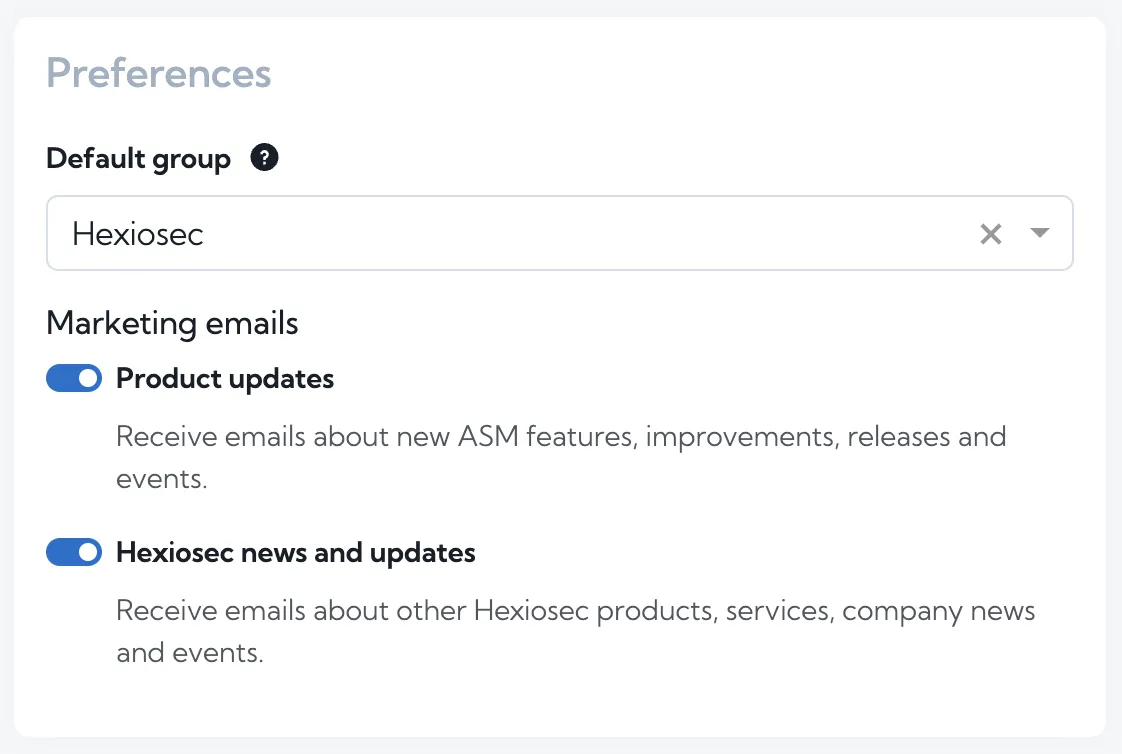
You may have noticed there was no ASM update in August. We are now publishing ASM updates every two months, with Hexiosec Transfer updates in the months between. If you’re an ASM user and you want to make sure you’re receiving all the new features and improvements across both our products, log into ASM and go to your Account & Preferences and check your settings.
September may be harvest season for apples, pears and blackberries, but at Hexiosec, it’s time to share what we’ve been working on. Here are the latest improvements to ASM.
Certificates page
Your company’s websites need valid certificates to establish secure HTTPS connections. ASM checks the certificates it finds during a scan and highlights any TLS security issues. A certificate plays two important roles:
Verifies the website’s identity — it helps visitors’ browsers confirm that they are connected to your domain, rather than a site impersonating it.
Establishes a secure, encrypted connection — protecting information such as passwords, messages, payment details and cookies from interception.
Whether you manage certificates yourself or use a third-party tool, you need to know how they appear to visitors. Certificate errors can affect both security and visitors’ confidence in your websites.
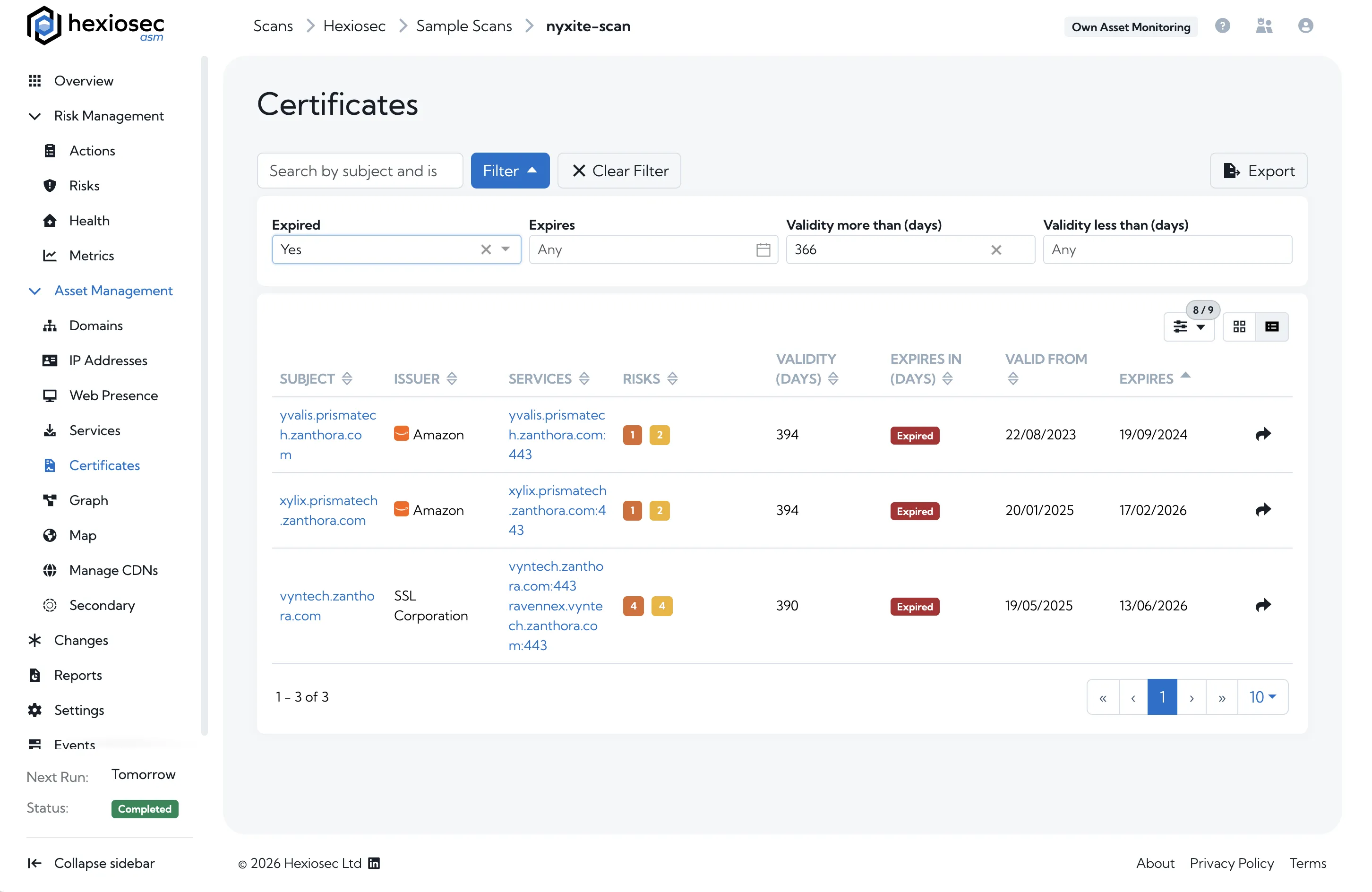
Alongside the certificates shown on the Scan Overview page, you can now find all the certificates discovered in a scan on a dedicated Certificates page in Asset Management. There, you can see:
which certificates have associated risks
the services that use each certificate
each certificate’s validity period
which certificates have expired or are close to expiring
You can also filter your certificates and export them as a CSV file for further analysis with other tools.
The new page is available to all ASM customers.
Dashboard metrics
In June, we launched the cross-scan dashboard for Premium, Enterprise and MSP users. It lets you view and compare multiple scans side by side, including the domains with the most risks and the newest risks across your selected scans.
In July, we added scan metrics to the dashboard, making it easier to compare scans and see how key figures change over time. These metrics include:
Risks per primary asset
Days of risk exposure
Known exploited risks
Average EPSS score
Days to resolve risks
You can view these metrics over time in a graph. They also make it easier to compare scans of different sizes: a scan covering hundreds of domains is likely to find more risks than one covering only a few, even if the larger organisation is actively reducing its attack surface. Risks per primary asset helps compare scans of different sizes rather than relying on total risk counts alone.
Days to resolve risks shows how long an organisation takes, on average, to address its risks, regardless of its size.
This month, we’ve added a sortable “Metric values” table to the dashboard’s overview page. It brings the metrics together in one place, so you can sort scans by measures such as risks per primary asset or days to resolve risks.
Bulk editing domains and IPs
In June, we introduced tags for domains and IPs to help you organise your results, especially when you have a large attack surface. Tags for ownership or business criticality add context to your data and help you decide where to focus your resources.
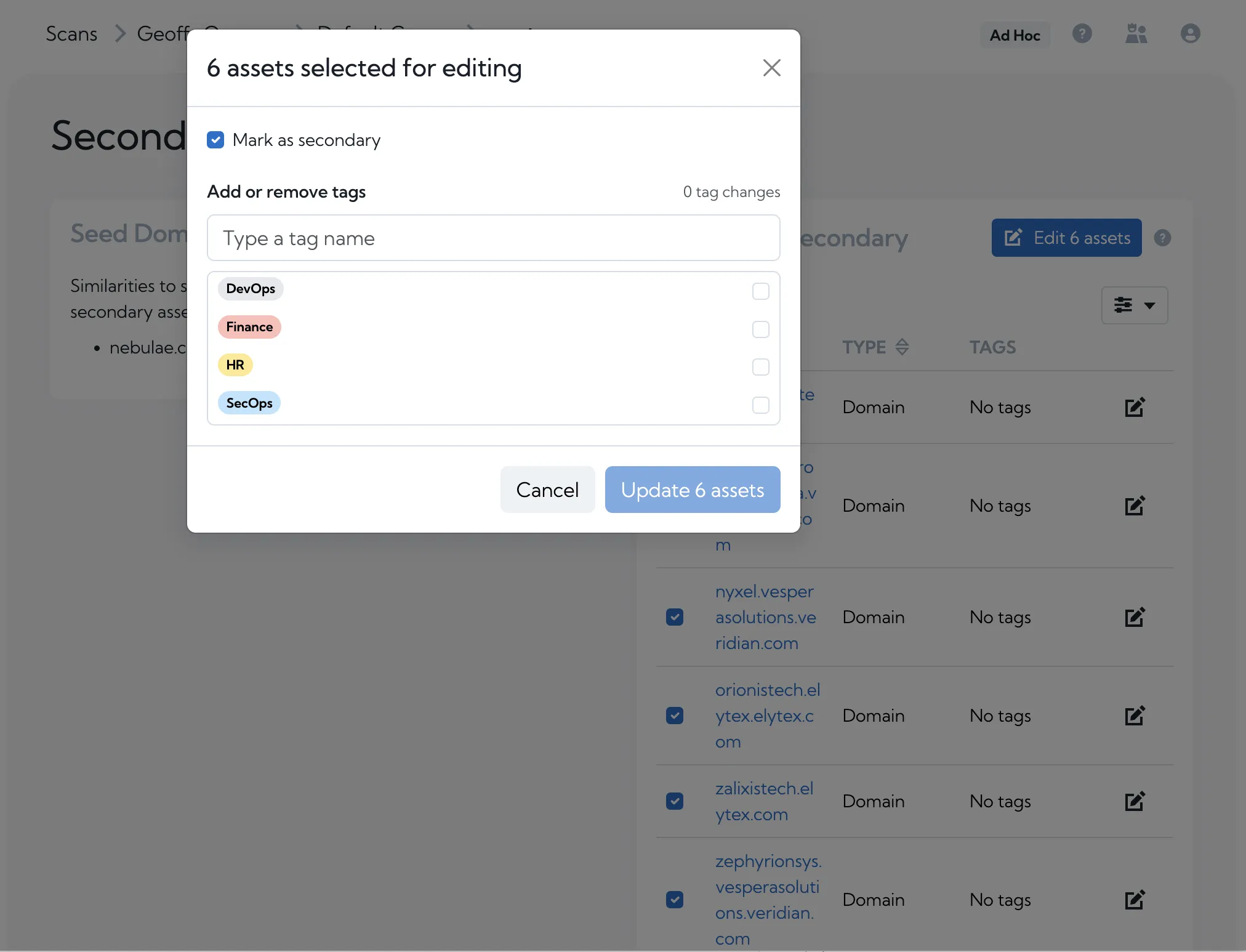
You can now select multiple assets on the Domains or IPs page and add or remove tags in one action.
You can also mark multiple assets as secondary from the Domains or IPs page, or remove that designation from the Secondary Assets page.
Tagging and marking assets as secondary are available to Premium, Enterprise and MSP users.
Coming soon
We are continuing to add to our cross-scan dashboard so that you’ll be able to generate a Word report for up to 100 selected dashboard scans.
We’re also working on a supply chain risk management feature to make it easier to onboard suppliers and view their attack surface.
Get in touch
Together, these updates make it easier to review certificates, compare risks across scans and organise the assets that need attention. We’d love to hear how you’re using the new Certificates page, dashboard and bulk editing tools, and what you’d like to see next. Get in touch to share your feedback.
Geoff is an engineer with over 15 years of experience across infrastructure, software and systems.
His background in both support and development fuels a drive to deliver high-quality solutions
tailored to customer needs.
Scan your domain to get an instant, no-registration snapshot of your internet-facing assets.