Secure File Sharing
Secure file transfer, without handing over control
Encrypted on your device so only your recipient can open it. No account, no software, and even we can't read it, which is rather the point.
- UK Sovereign
- End-to-End Encrypted
- No Recipient Account
- Free Tier Available
Most ways of sending a file quietly give up control of it
Email, consumer file-sharing and ageing FTP all do the job, right up until you ask the question: who else has seen it?
Email attachments
Sit in sent folders forever, forward to anyone with two clicks, and your email provider can read every one.
SharePoint guest links
Easy to share, hard to un-share. Increase the risk of unauthorised access, poor governance and accidental data exposure.
FTP and SFTP
Secure enough, if you fancy maintaining servers, client software and firewall rules. Most teams don’t, and shouldn’t have to.
Secure large file transfer, encrypted on your device
-
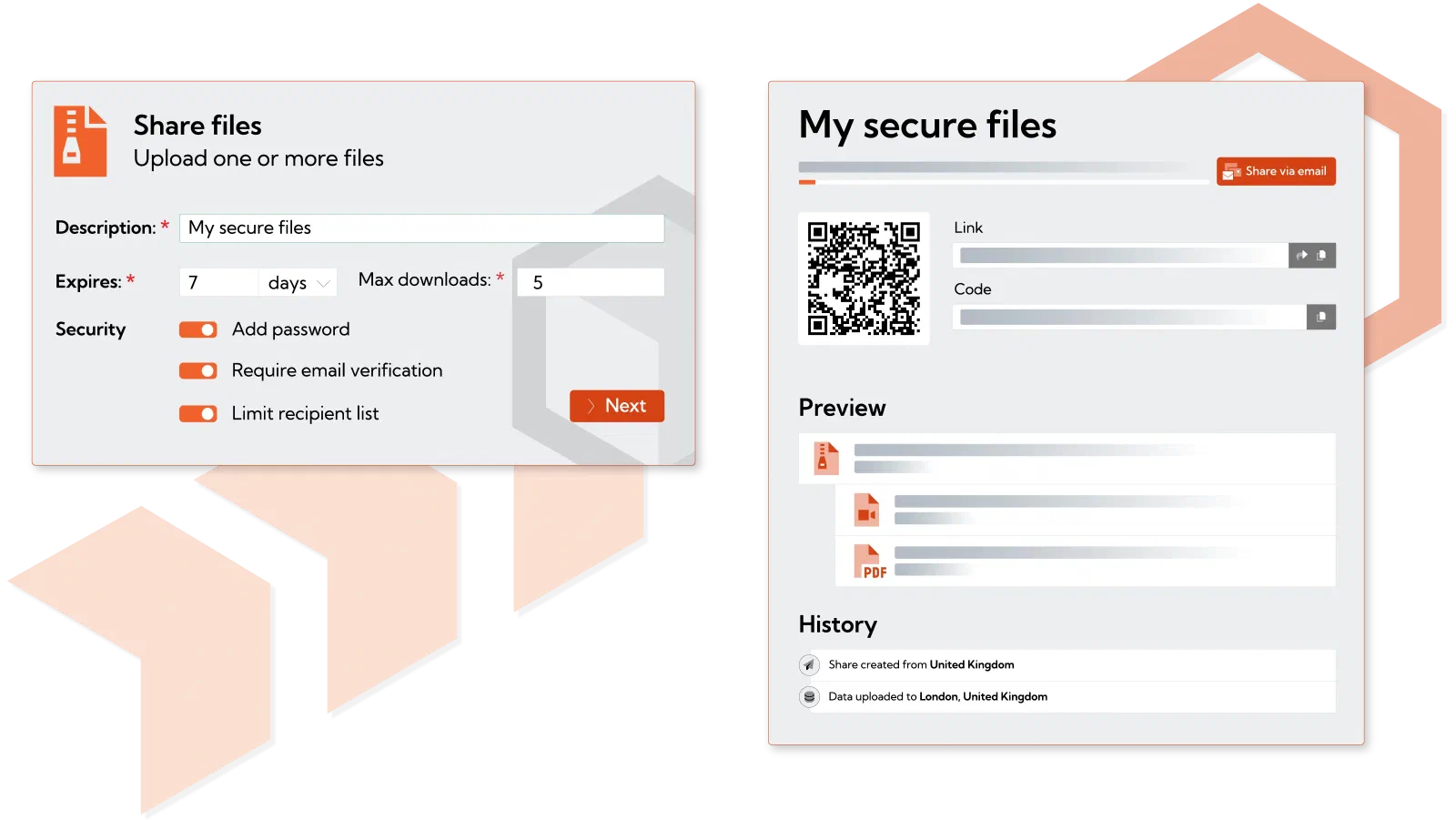
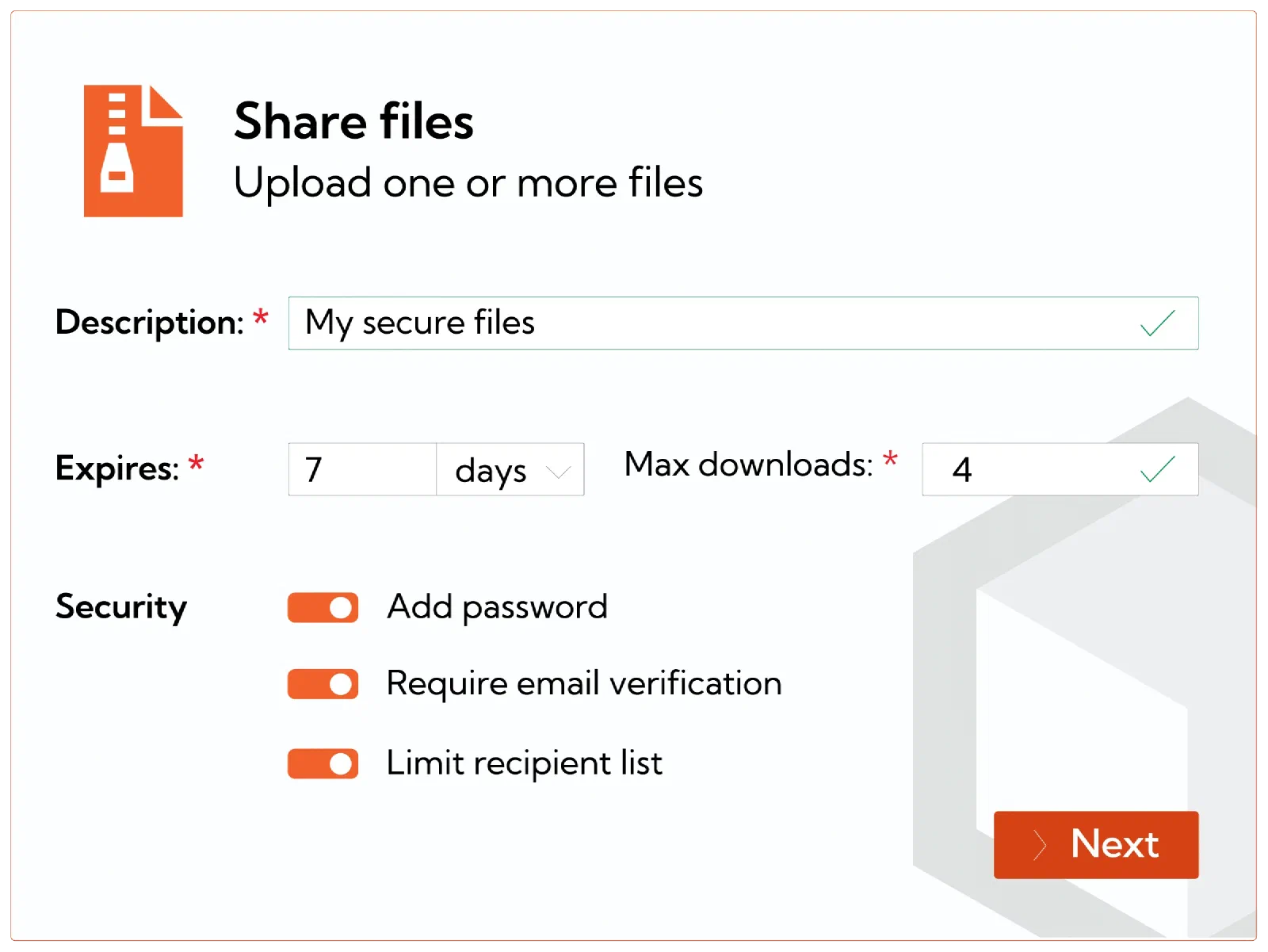
Upload files and pick your recipients
Files are encrypted in your browser before they go anywhere. You choose exactly who can open them.
-
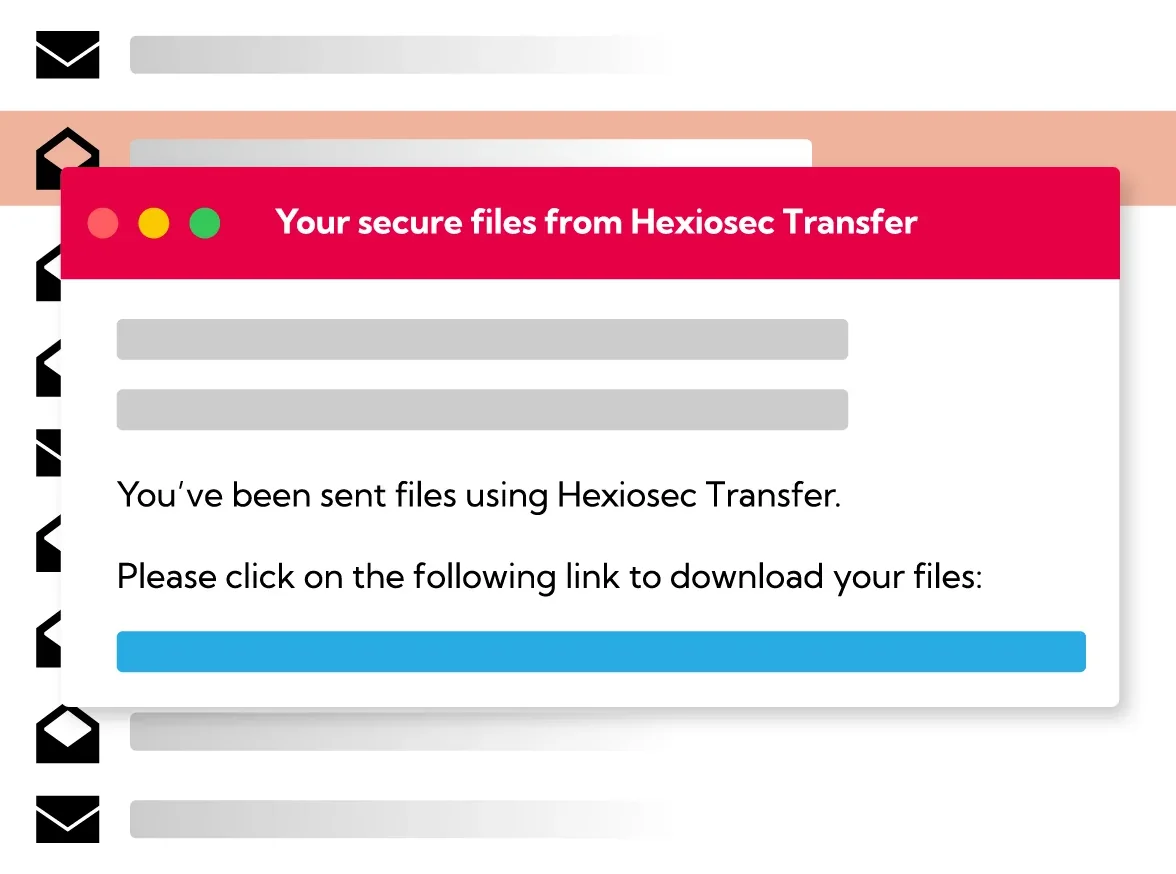
They get a secure link
No account, nothing to install. They click, verify they’re who they say, and the file is theirs.
-
You keep the keys
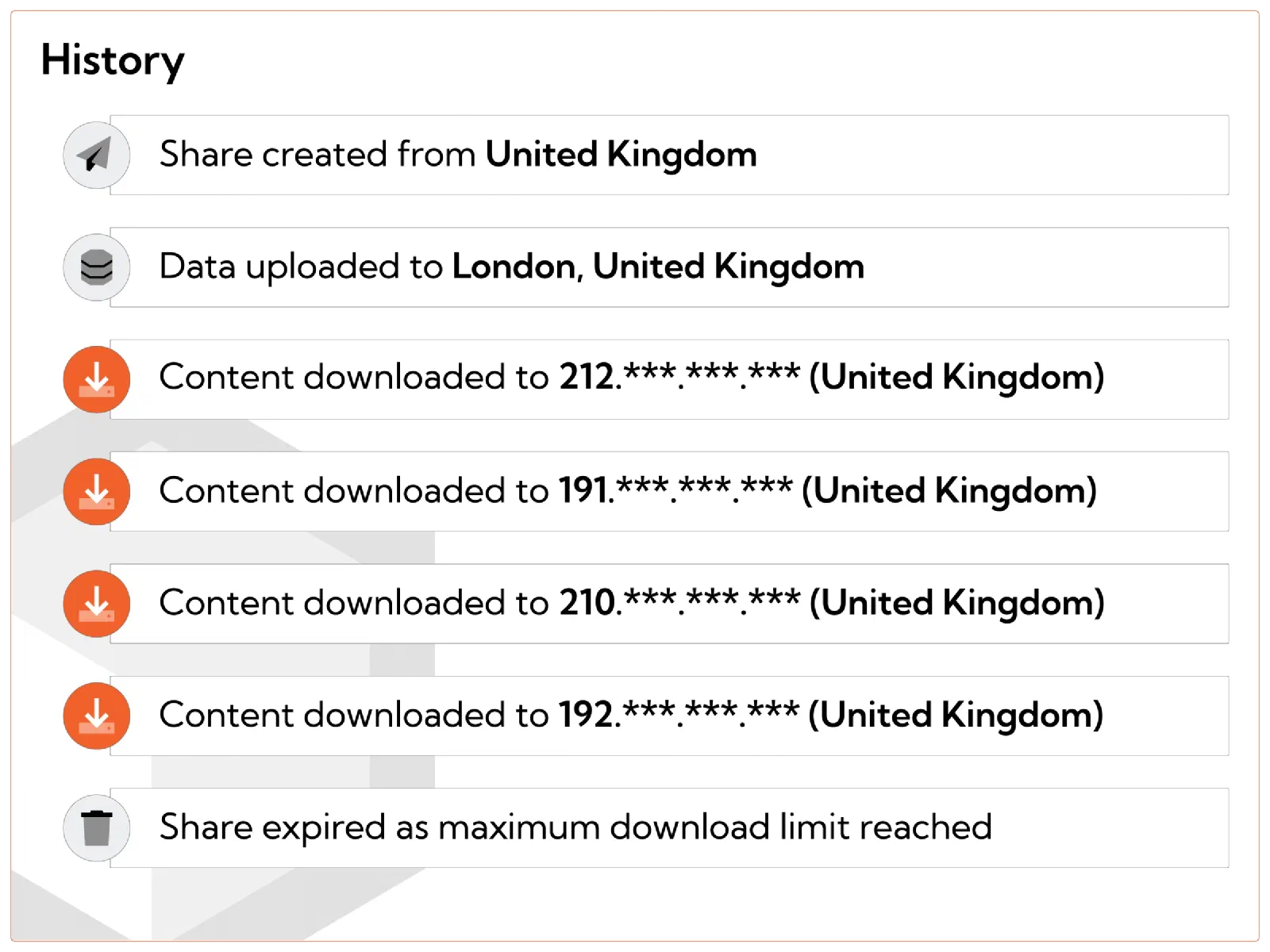
Set an expiry, pull access back whenever you like, and see exactly who opened what.
The features that matter for secure file transfers, without the padding
True end-to-end encryption
Files are encrypted on your device before they upload. See how the encryption works →.
No recipient account
The people you send to never sign up. They open a secure link and that’s it.
Large files on paid tiers
1GB on the free tier, and far larger on paid. The sort of files email quietly bounces back.
Expiry and revocation
Set a use-by date, or pull a file back after sending, for the inevitable moment you spot a typo in the address.
Access-controlled links
Password protection and recipient verification on every link.
Audit trail
See who opened what, and when. Full download visibility, no guesswork.
Own-branding and & own domain
Your brand and your domain on the Enterprise tier.
Outlook add-in
Send encrypted files straight from Outlook, where you already are.
Domain restrictions (DLP)
Limit which domains files can be sent to. Data loss prevention for the slip of a finger.
Browser-based
Nothing to install. Any device, any operating system, no IT ticket required.
Built for the work that leaves the building
Case files & disclosure
Get a disclosure bundle to opposing counsel, the court or a client in one go, with an expiry and a revoke button for when you need it.
Client documents
Send statements, suitability reports and onboarding packs to clients and counterparties, without wondering where they end up.
OFFICIAL‑SENSITIVE files
Move sensitive files between departments, arm’s-length bodies and local-government partners, UK-hosted the whole way.
Large files, no size-limit pain
Send and receive the big files that email cannot handle, without the pain of FTP or SharePoint.
Hexiosec Transfer handles exchange with people outside your document management system, sending out of the firm and back in.
Need to collect data rather than send it?
Encrypted forms pull documents and structured data in from outside parties, with no account for them to create.
Need a persistent space for ongoing exchange?
Shared encrypted workspaces move files and folders both ways, under full admin control.





Hexiosec Transfer has significantly improved how we share sensitive files, giving us secure, encrypted transfers with greater control over access while reducing our reliance on email attachments.

Start free. Pay when you outgrow it.
Every module is on every tier. For sending files, these are the limits that matter.
£0
No card required
- 20 sends / month
- 1 GB max file size
- 7 days expiry
£45
Per month. Includes 3 users.
- 50 sends / person / month
- 5 GB file size
- Higher caps across modules
£125
Per month. Includes 5 users.
- 100 sends / person / month
- 10 GB file size
- Logs export
- Audit retention & admin
Contact us
- Full branding & own domain
- SSO: Microsoft Entra, Google Workspace, UK Gov, Auth0
- Unlimited caps
- Audit retention & admin
- 99.9% SLA · named CSM
Secure file transfer, answered
How do I send a file?
What encryption does Hexiosec Transfer use?
Does the recipient need an account?
What are the free tier limits?
Can I revoke access after sending?
Is our data stored in the UK?
How is Transfer different from a traditional SFTP/FTP?
Can I use Hexiosec Transfer from within Outlook?
What’s the difference between Files, Spaces and Forms?
Your first secure file transfer is a minute away
Encrypted on your device, no account for the recipient, hosted in the UK. Free to start, and you only pay when you outgrow the caps.